January 2, 2025
•
6 min read

Roadmap and release-status questions fill support queues. The Released integration puts the answers in your Refined customer and partner portals, next to your knowledge base.
Every support team knows these tickets. "Is this on the roadmap?" "Has this been fixed yet?" "When does the new version ship?" Each one takes an agent's time to answer, and the customer waits for something your company already knows.
Partners have the same problem with higher stakes. Notice of API changes for example are usually spread across GitHub, a changelog page, the developer docs, and email. A partner who misses a breaking change ends up with a broken integration, which becomes their customers' problem and then yours.
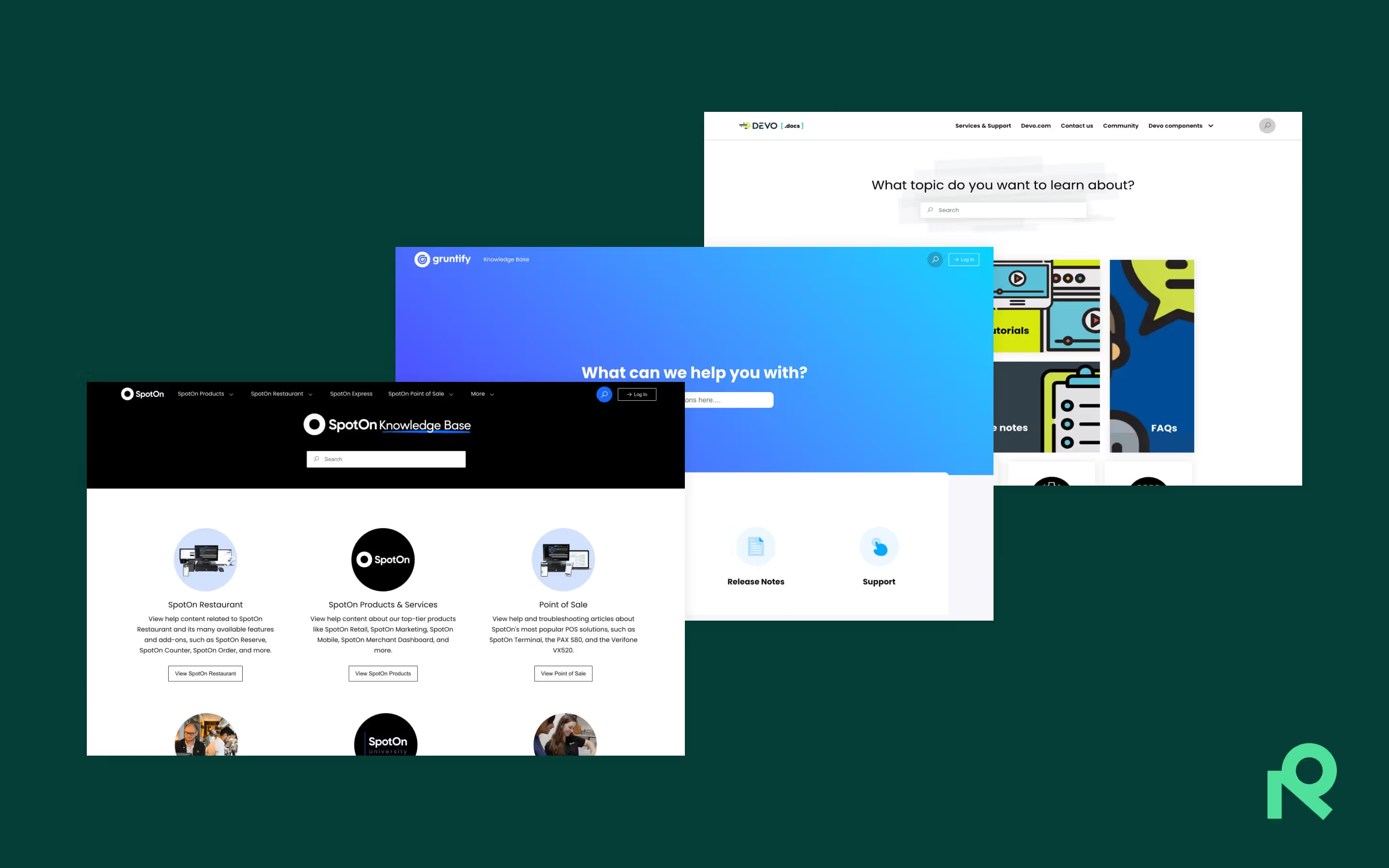
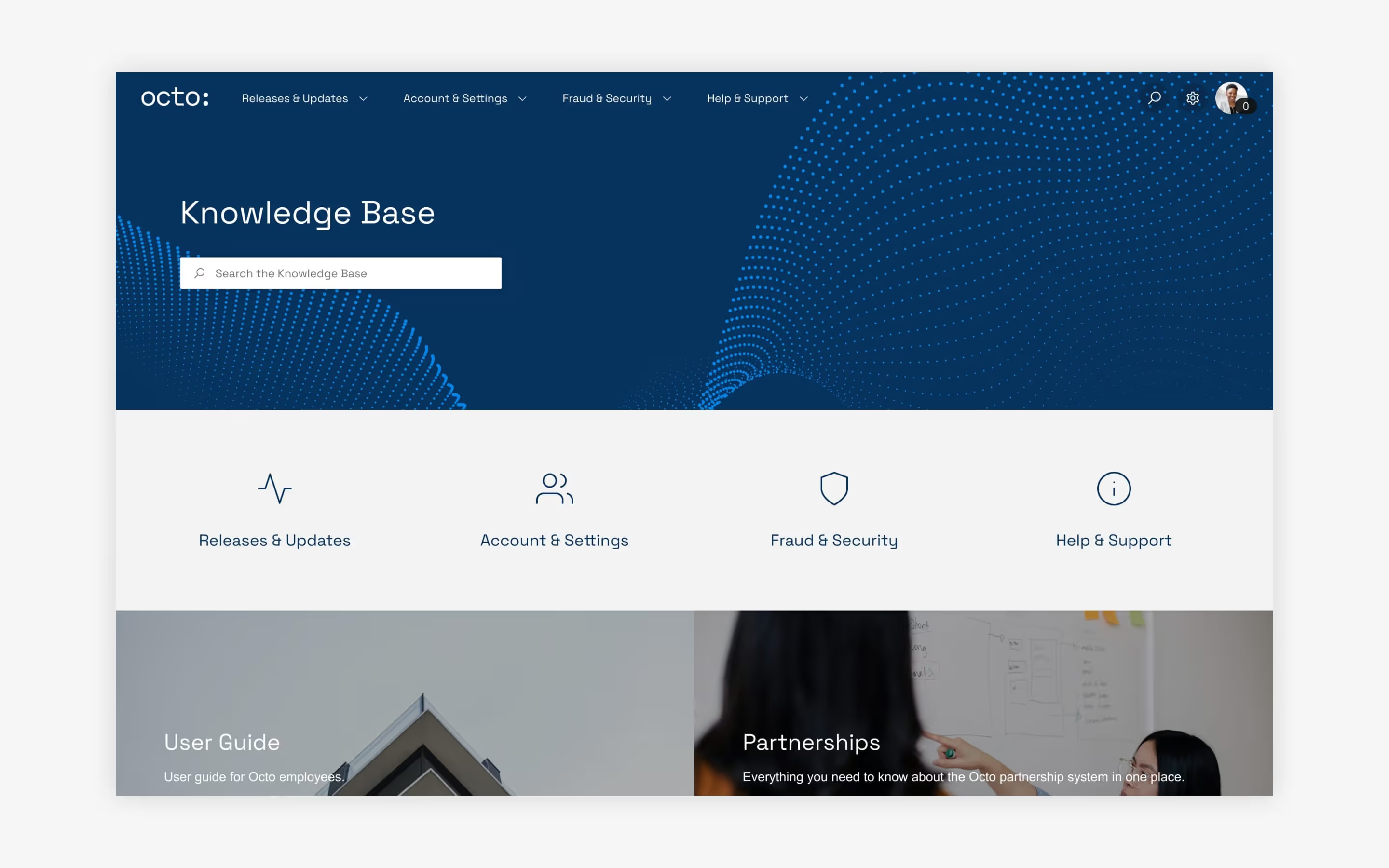
Your help center, knowledge base, and partner portal are where customers and partners already go for answers. With the Refined and Released integration, your roadmap, release notes, and a way to give feedback sit there too. Updates go from planning in Jira to publishing in your portal as one connected experience. They become part of the knowledge and service experience you already run, instead of a separate channel people have to find.
Roadmap and release-status questions are some of the easiest tickets to prevent, because the answer already exists. Put the roadmap on your help center home page or next to the request types where these questions usually start. Customers can check what's planned and in progress before they reach for the request form. A changelog does the same for "has this been fixed?"
Agents get that time back for requests that need a person, and customers get their answer immediately instead of the next business day.
A customer who doesn't know a feature exists can't get value from it, and may well file a request asking for it. Release notes sent by email or posted on a separate changelog site are easy to miss. In your knowledge base, they sit next to the articles that explain how to use each feature, so customers find out what's new while they're learning the product.
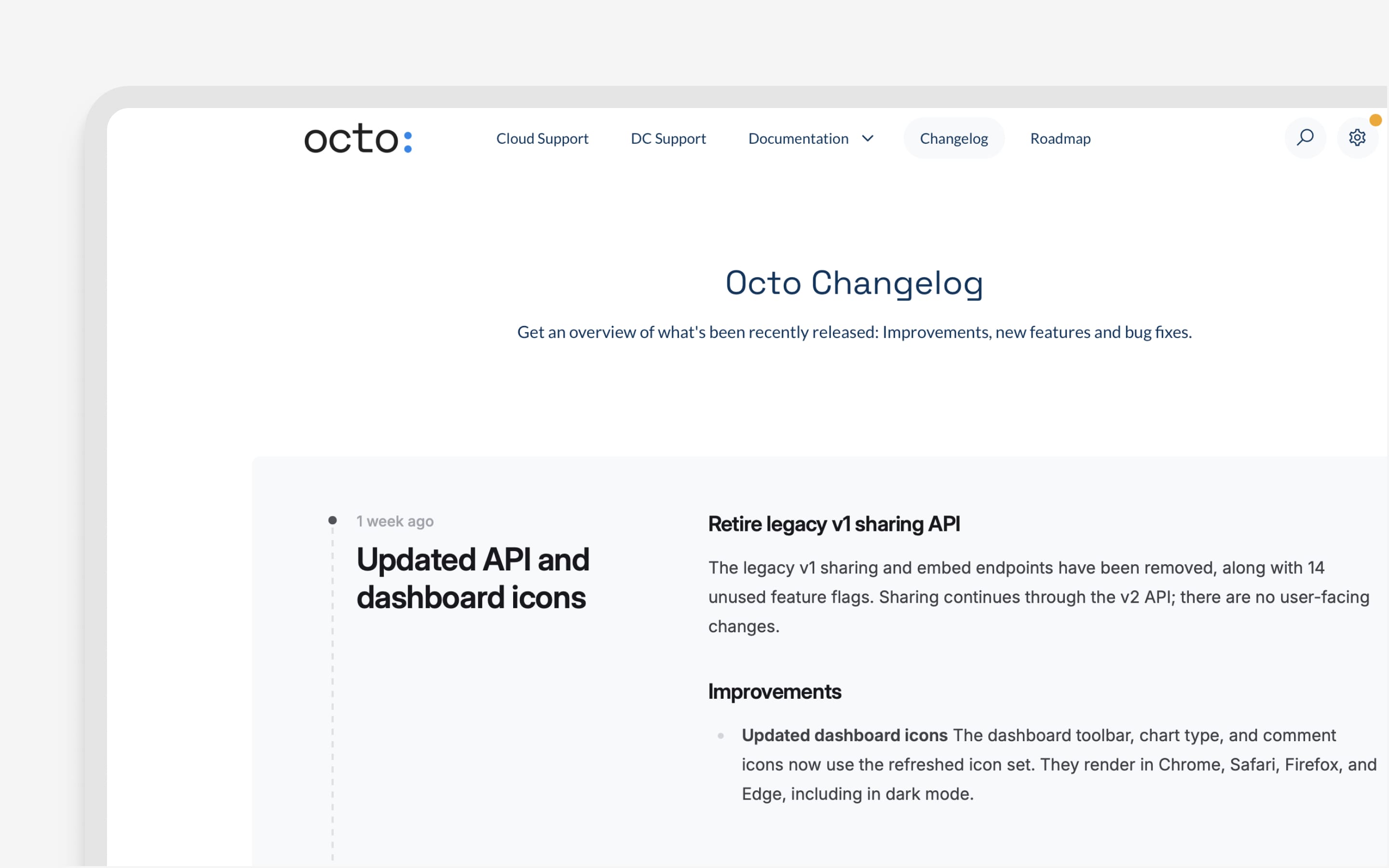
If you sell several products, release notes scatter. Each team publishes on its own schedule and in its own channel. A customer who uses three of your products has to piece the picture together, or more likely doesn't. Each product's roadmap and changelog can sit on that product's pages in the portal, or together on one updates page.
Partners can only adapt to changes they know about. An API roadmap in your partner portal shows planned changes, deprecations, and breaking changes, which gives partners time to schedule their own work. Release history sits on the same pages as the developer docs, so "what changed in the last release?" gets answered there instead of in a ticket.
Feedback that comes in by email, in sales calls, or through support tickets is hard to weigh against everything else. When customers and partners vote and comment on the update or roadmap item itself, you can see which planned work people care about and how each release landed. A partner who warns that a deprecation will break a major integration does so while the change can still be adjusted.
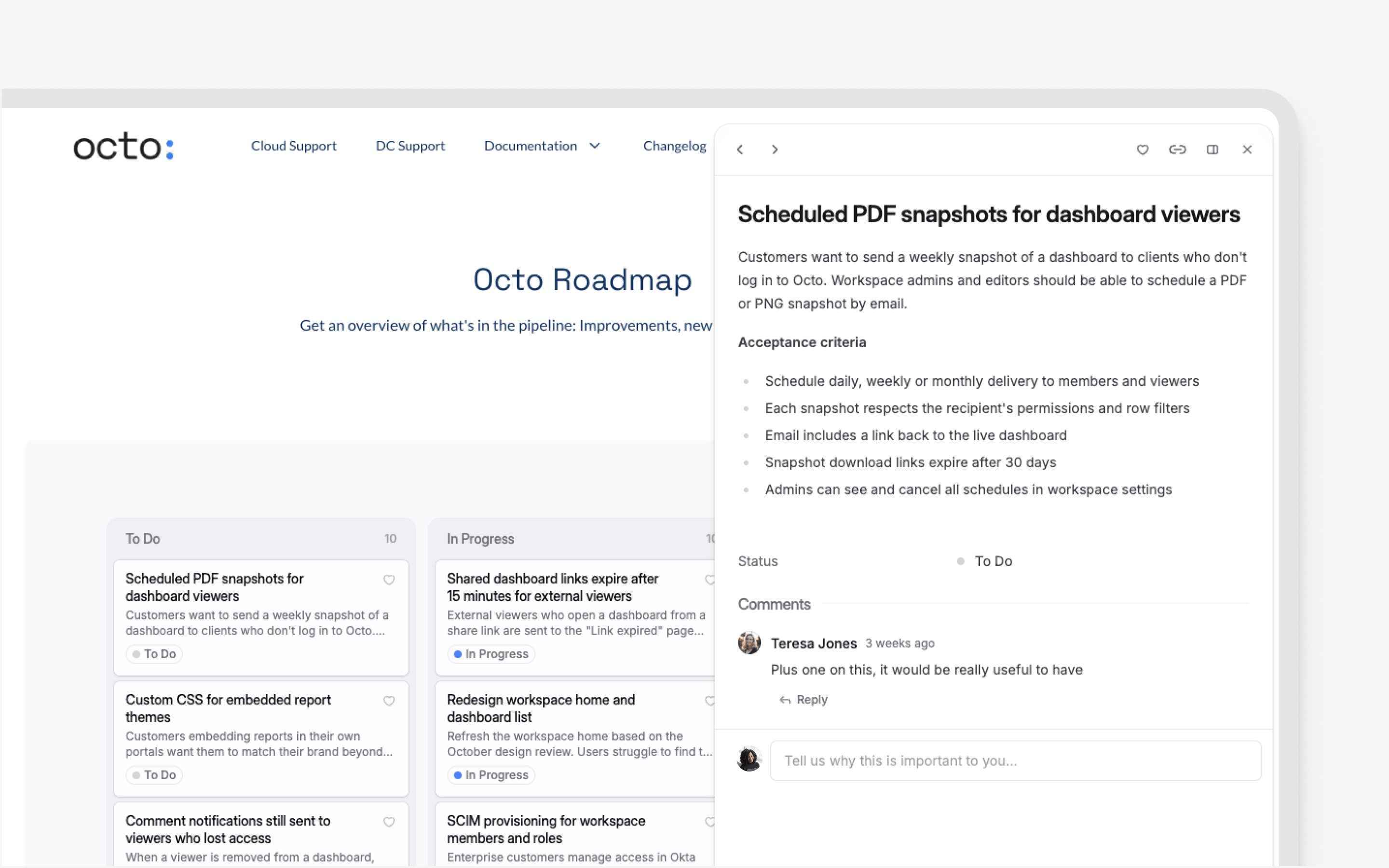
Updates come from the work your teams already track in Jira, and they reach the portal as soon as they're published. Nobody maintains a second roadmap, so the portal stays current. People trust a current portal, so they use it and stop going around it to email or tickets. The questions that still come in, along with the votes and comments, show where your knowledge base has gaps and which request types need a better self-service answer. Close those gaps, and the next customer or partner who visits finds more of what they need without asking.
Switch on the Released.so integration in Refined admin, add the Released module to a page in the Page Builder, and enter the Channel ID for the roadmap, changelog, or feedback form you want to show. The setup guide here covers the details.
A good first step is to pick the roadmap question your support team answers most often and put the answer on the page where that request starts. Book a demo to see it on a portal like yours.