September 9, 2026
•
5 mins
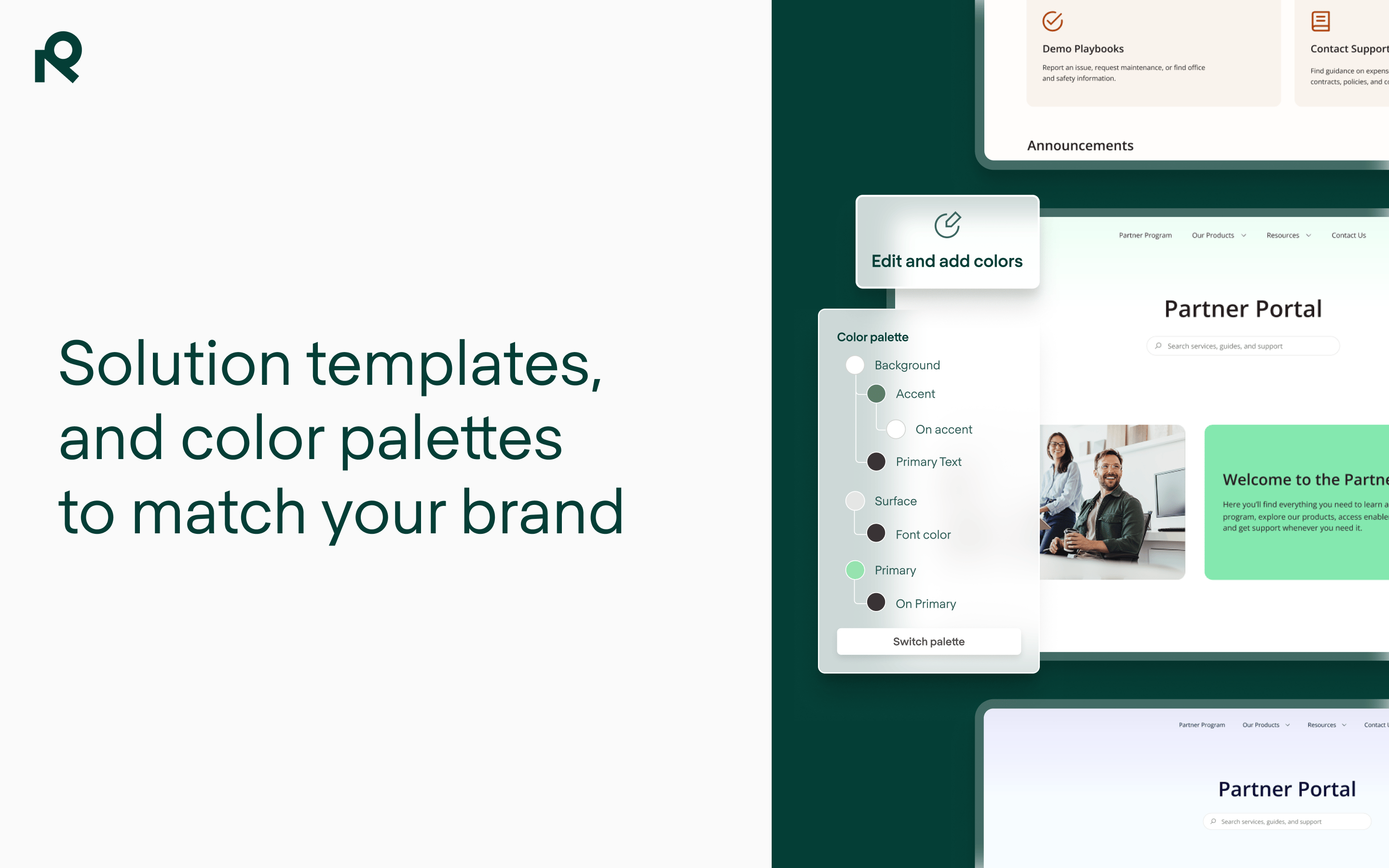
Branding a knowledge base or service portal used to mean weeks of design work. Redesigned solution templates and new color palettes get you there on day one.
Picture the last time you set up a new site. Maybe it was a Confluence space you needed to turn into a knowledge base, or a Jira Service Management portal you were shaping into a help center. The content was there. What was missing was everything that makes a site feel like somewhere people trust: a coherent layout, your colors, your logo, a structure that matches how people actually look for answers. And that gap — between "the content exists" and "this looks like us and I know where to go" — is usually the part that takes weeks.
Yes, and not for vanity. When an internal audience lands on a help center that looks like a default template, or a partner opens a support portal that feels nothing like the brand they signed a contract with, the site sends a quiet signal: this might not be the official, maintained, trustworthy source. So people fall back on what they know. They ask a colleague, raise a ticket, or email someone directly, and the site you built goes unused.
A branded, well-structured front door does the opposite. On the service side, a portal that clearly belongs to your organization inspires the confidence people need to self-serve, which means faster submissions and fewer misrouted tickets. On the knowledge side, a site that looks intentional and familiar gets adopted beyond the power users who already know their way around Confluence. Branding isn't the decoration on top of the work. It's part of what makes the work get used.
Because branding a site properly is a design project, and design projects take time and skills that most admins running a rollout don't have to spare. You start from an empty page, lay out each section, then hand-apply colors setting by setting across every page and module. Do that for one site and it's a long week. Do it across a dozen regional portals and it becomes a governance problem: keeping brand consistent across entities, business units, and audiences, and re-doing the work every time something changes.
This is exactly where the experience layer earns its place. Refined sits between your Atlassian content and the people who need it, turning raw Confluence and JSM into a structured, governed front door. The point of this release is to make the branded part of that front door something you get on day one, not something you schedule for later.
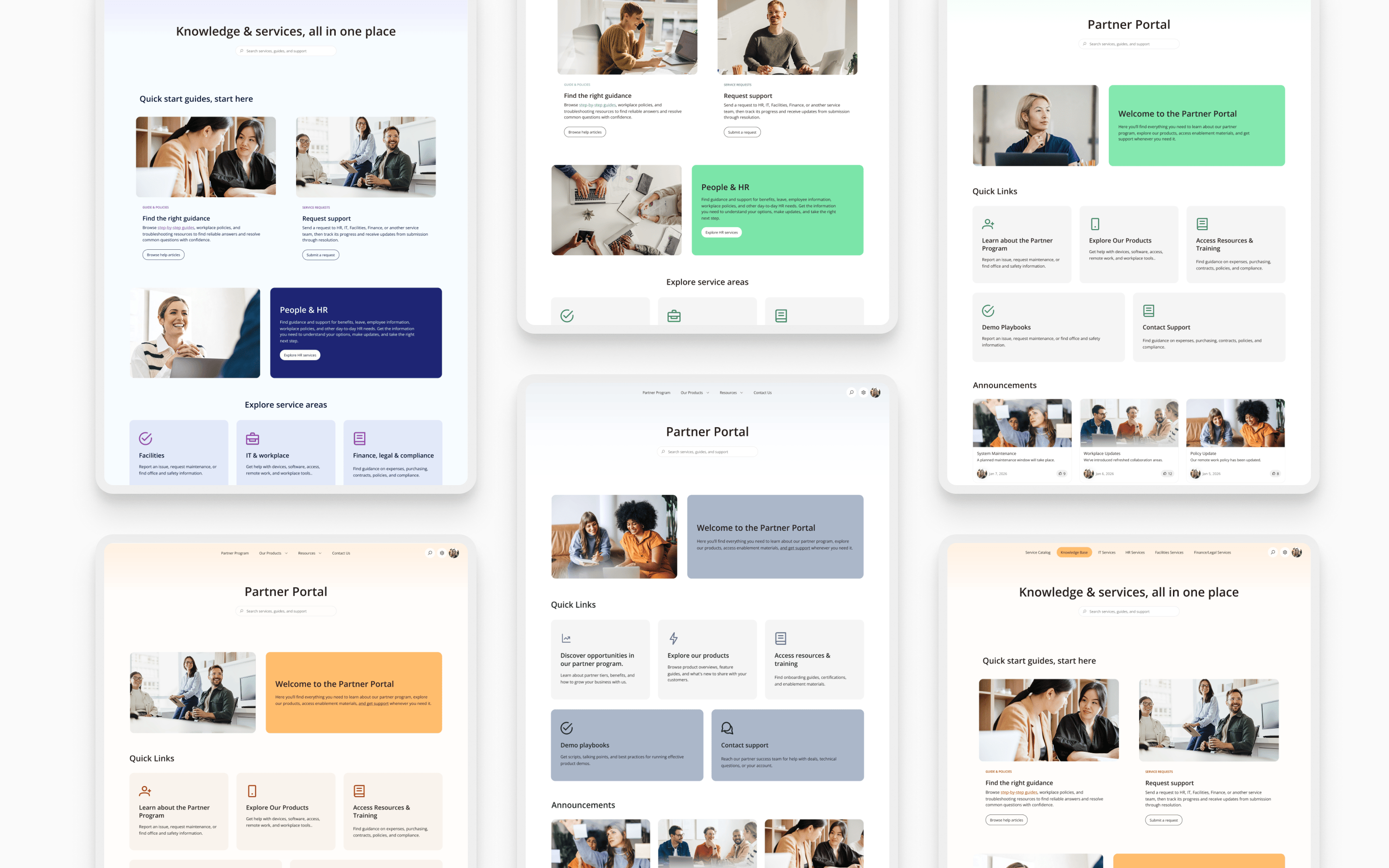
A starting point built for your solution, not a blank page. The predefined landing page layouts inside solution templates have been redesigned to fit each solution more closely and more completely — whether you're building a knowledge base, intranet, documentation site, internal or external support site, partner portal, enterprise service management, or onboarding hub. You apply a template, drop in your content, and adjust what you need, and because the layouts land closer to finished, a site that used to take weeks of build can go live in a fraction of the time, at lower implementation cost.
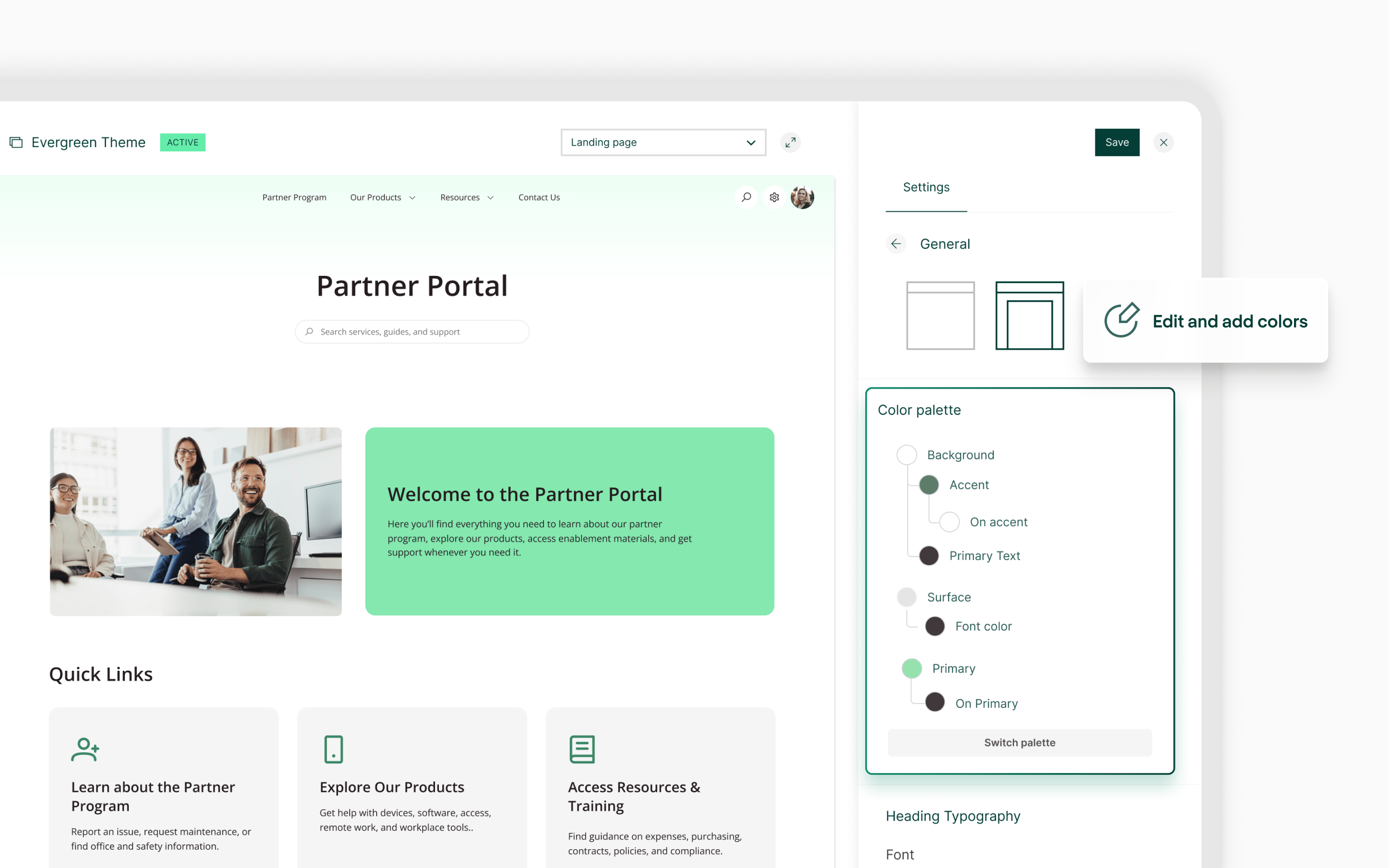
Your brand, set once and applied everywhere. Color palettes let you define your brand colors once in the theme editor and reuse them across your whole site. You set a background, surface, primary text, accent, and accent text color — or start from a preset — and every element bound to the palette picks them up, including new modules you add later. Change a palette color and everything using it updates at once. So the site looks like your company's from the first day it's live, and staying on brand later takes one edit instead of a hunt through every page.
One site today, a consistent set tomorrow. Start with a single site, then reuse the same templates and palette to roll out more. That's how brand consistency stops being a manual chore you enforce site by site and becomes something built into how your solutions are made — governed across teams, regions, and audiences without the repeat design work.
Launchpad as an accelerator. If you’re looking for an AI-assisted site build, Launchpad lets you put together a full Refined site template, shape it to your brand, preview it live, and export it to import into your instance — free, in a few minutes, and with no admin access needed to start. It's the quickest way to see what your knowledge or service site could look like as something that belongs to you.
Build one at refined.com/launchpad.
If you're a site admin or designer standing up a new knowledge or service solution, this is the fast path from empty space to something you'd be happy to put your logo on. And if you're running several sites across departments or regions, it's how you keep them all recognizably yours without rebuilding the brand every time.
Apply a template, set your palette, and see how close to done you can get before lunch. Learn more about solution templates and color palettes, book a demo, or try Refined free on the Atlassian Marketplace for Confluence and Jira Service Management.