Your service portal isn’t broken. It was never designed for users in the first place.
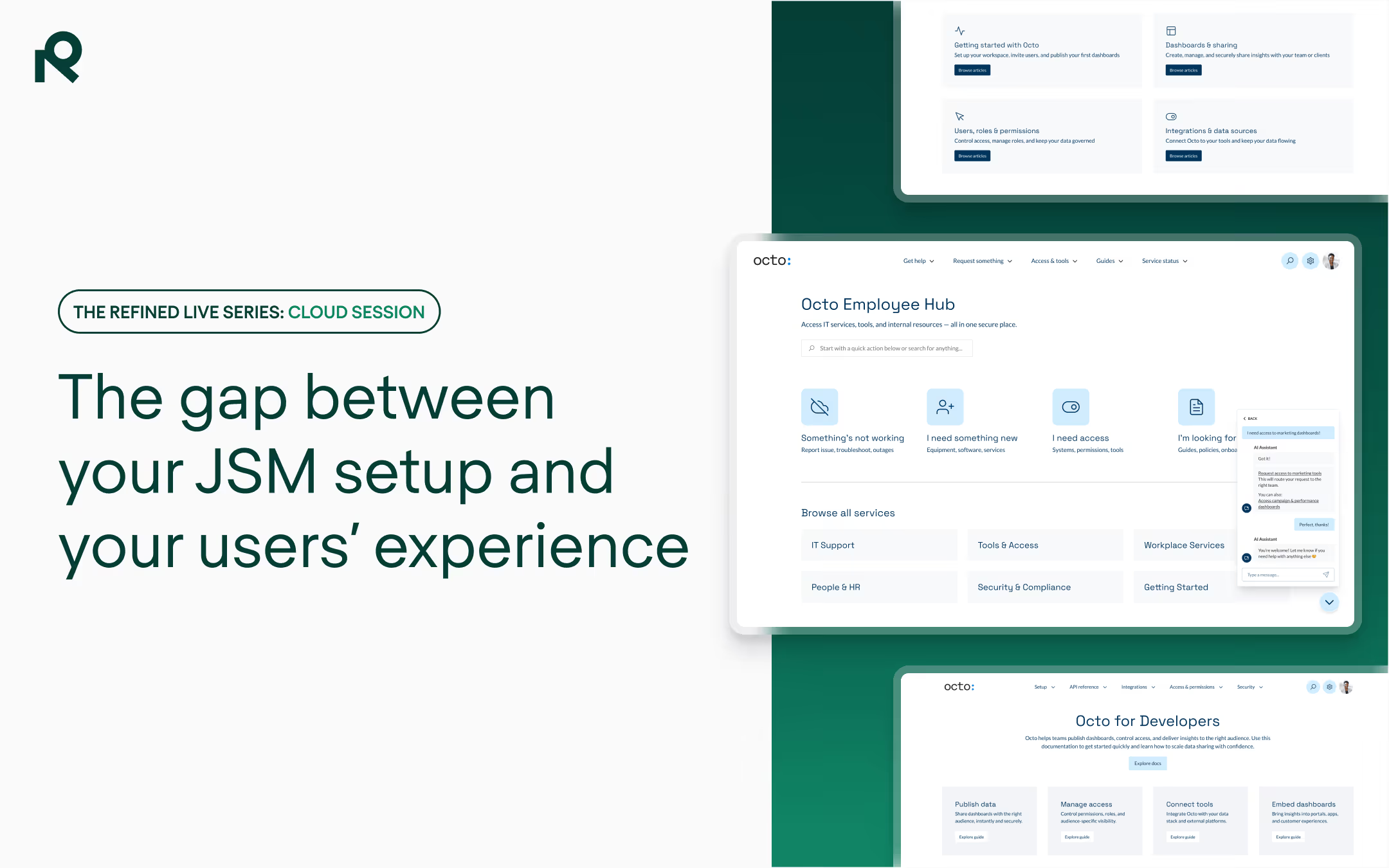
Native service portals were built for admins, not end users — exposing the system creates friction at the exact moment someone needs help.
Three consistent failure points: no clear entry point, knowledge buried behind request types, and overwhelming noise from irrelevant options.
The fix is designing for the user journey, not organizing the system — audience-aware entry points, knowledge embedded in the flow, guided pathways.
Most JSM portals are configured well — but still frustrate users. The problem isn’t setup. It’s that native portals expose systems rather than guiding people.
Talk to anyone who runs service operations at an Atlassian-powered organization and a familiar pattern emerges.
I hear it all the time talking to ITSM leads, JSM admins, support managers — people who have poured real effort into building out their Atlassian environments and still field the same complaint from users week after week.
They tell me: The knowledge is there. The request types are configured. The workflows are set up correctly.
And yet, users still can’t find what they need.
The problem isn’t setup or configuration. In fact, the system is working exactly as it was designed to.
That’s the problem.
Most support systems weren’t designed for the people seeking help
Native service portals were built for admins. They expose the system — the full list of request types, the underlying structure, the logic of how the tool is organized — because that’s useful when you’re configuring it. It’s not useful when you’re a new employee trying to figure out how to get your laptop replaced, or a customer trying to raise a billing query, or a partner who doesn’t know which team owns their issue.
When you expose a system to an end user without shaping it into a guided experience, three things tend to happen consistently.
First, there’s confusion at the entry point.
Users land on a portal with no obvious path forward — no guidance, no structure that maps to how they think about their problem. They’re navigating the tool’s architecture, not their own need.
Second, knowledge is buried.
Most organizations using JSM have invested heavily in Confluence — storing articles, how-tos, self-service content that could genuinely deflect tickets. But in a native portal, knowledge too often lives behind request types and search. There’s no moment in the journey where relevant self-help content is surfaced before a user submits a ticket. Self-service has to be sought by savvy, motivated users; it’s not delivered.
Third, the noise is overwhelming
This one is especially true for larger organizations. An employee lands on a portal and sees potentially dozens of request types, many of them completely irrelevant to what they actually need. So they guess, they misroute, or they give up and ping someone on Slack instead. And your support team absorbs the cost.
None of this is a configuration failure. The portal was built to expose a system, not guide a person. And those are two fundamentally different design briefs.
The difference between exposing a system and creating an experience
The teams I’ve seen get this right have made one fundamental shift in how they think about their portal: they stopped trying to organize the system and started designing for the user journey.
That means asking different questions. Not “how do we categorize our request types?” but “what does an employee need to do when something goes wrong?”
Not “where does this knowledge article live?” but “when in the journey does a user need this information, and are we delivering it at that moment?”
Practically, this translates into a few things that have an outsized impact.
Audience-aware entry points
Not one portal for everyone, but experiences tailored to who’s asking — which means role-based views that cut irrelevant noise and surface what’s actually useful to that person.
An IT or HR portal for employees looks different to a customer-facing help center, which looks different again to a partner portal. They can all live within the same Atlassian instance. But they should feel like they were built for the people using them, and anticipate their needs.
Knowledge embedded in the journey
The goal of self-service isn’t to give users a search bar and hope for the best. It’s to interrupt the request-creation moment with relevant content — to put an answer in front of someone before they’ve submitted a ticket.
When Confluence and JSM work together in a structured experience, that’s what becomes possible. Users resolve issues on their own, be it through an AI agent or search or spotting a guide on a landing page, or they at least understand their problem well enough to submit a better-quality request. Either way, your support team wins.
Guided journeys, not open fields
Great service experiences don’t ask users to figure out the right path — they guide them through it. Clear structure, logical navigation, and contextual signposting mean users arrive at resolution faster and with less friction. The portal builds trust because it behaves predictably — like a website. (Have you ever had to teach someone how to use a website?)
What “working” actually looks like: fewer tickets, faster resolution, real self-service
There’s a version of this that teams often miss: you can build a beautiful experience and still not know if it’s working. Adoption is not the same as resolution. Traffic is not the same as deflection.
The question I hear most from service leads using Refined isn’t “how do we build a better portal?” — it’s “how do we know if our portal is actually helping?” And for a long time, the honest answer has been: you don’t, really. You have ticket volumes. You have CSAT scores. But you don’t have visibility into the journey that happened before the ticket was created.
That’s the gap we’re closing. What we’re building — and what I’m genuinely excited about — is analytics that give you a complete view of the service journey, not just the outcome.
How many users started a request and exited without submitting? Which request types have high volume but low self-service rates? Which knowledge articles are being read before a ticket gets created — and which ones are being read and still not resolving the problem?
That last question is particularly useful. If a user reads an article and still creates a ticket, that’s a signal. Maybe the article needs improving. Maybe it’s not surfaced at the right moment. Maybe the answer is there but it’s buried in the wrong place. User behavior is telling you something. The job is to listen to it.
A static knowledge base doesn’t improve over time. A knowledge base informed by how users actually behave does.
Where AI fits in — and why the experience layer comes first
I want to be clear about something, because there’s a version of the AI conversation in service management that I think sets teams up to fail.
AI doesn’t fix a poorly designed service experience. It inherits it.
If your portal exposes too much noise, AI surfaces that noise faster. If your knowledge base is unstructured, AI has no reliable context to work with. If your request types aren’t organized by audience, AI-assisted routing will reflect that confusion back to users.
But in a well-structured experience — curated, governed, audience-aware — AI becomes genuinely powerful. Content discovery improves dramatically when AI is operating within a focused, relevant context rather than indexing an entire Atlassian environment.
AI search that knows who is asking, and what they have access to, gives answers that users trust. An AI assistant that can guide a user through a self-service journey — summarizing content, answering follow-ups, and knowing when to suggest a request instead — is a real productivity multiplier.
The experience layer isn’t just what makes AI useful for your users. It’s what makes AI effective to deploy in the first place — because you control what it has access to, and you can measure whether it’s actually helping. Emil Sjödin, our CEO, makes this case in depth in his recent post on the AI knowledge problem no one’s talking about — worth a read.
Start with the user, not the system
The service teams really excelling aren’t the ones with the most sophisticated Atlassian configurations. They’re the ones who have asked the harder question: does this portal actually work for the person trying to use it?
That question leads somewhere. It leads to audience-aware design, to knowledge embedded in the journey, to data that tells you where the gaps are, to AI armed with relevant context. It leads to fewer tickets, faster resolution, and users who actually trust the tools they’re given.
Therese Alburg is Head of Product at Refined, the AI-powered experience layer for Atlassian Confluence and Jira Service Management. She presented this thinking live at Refined Live — watch her full segment in the video embedded above.

Read more about
Ready to upgrade the Atlassian experience?